How to merge entries
Last updated: April 30, 2026
Once you have opened PointOne,
1. Select the entries you want to merge
Use the checkboxes on the left side of each time entry.
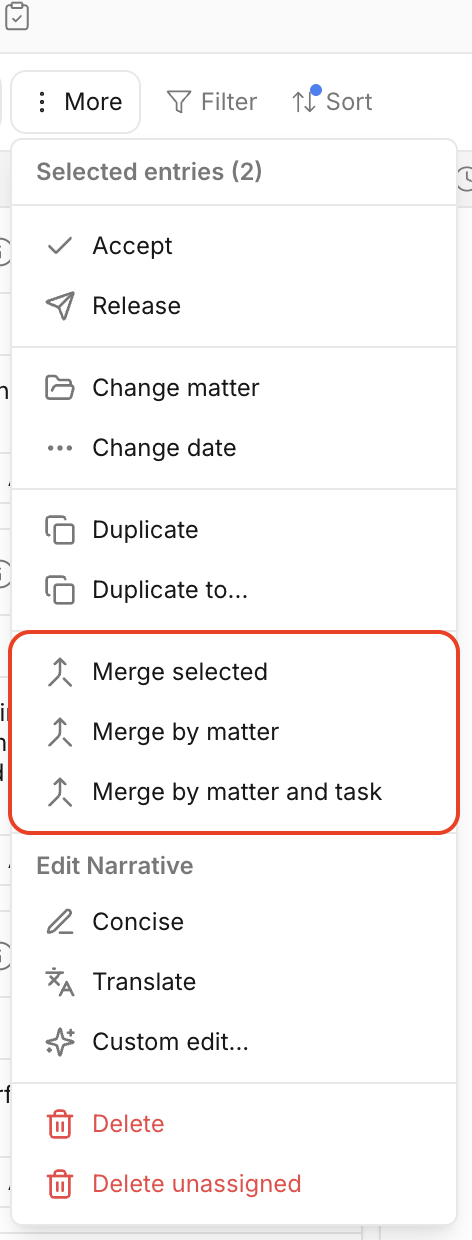
2. Click the More button [three dots]
This is located at the top of your PointOne application, next to the date.
3. Choose a merge option
The dropdown menu will display available merge options. Select the appropriate option to complete the merge.
OR
Use drag-and-drop
From the right side of your Time Entries panel, drag one entry onto another. Dropping one entry into another will merge them automatically.