What to do when you see an error message when opening the PointOne application?
Last updated: July 16, 2025
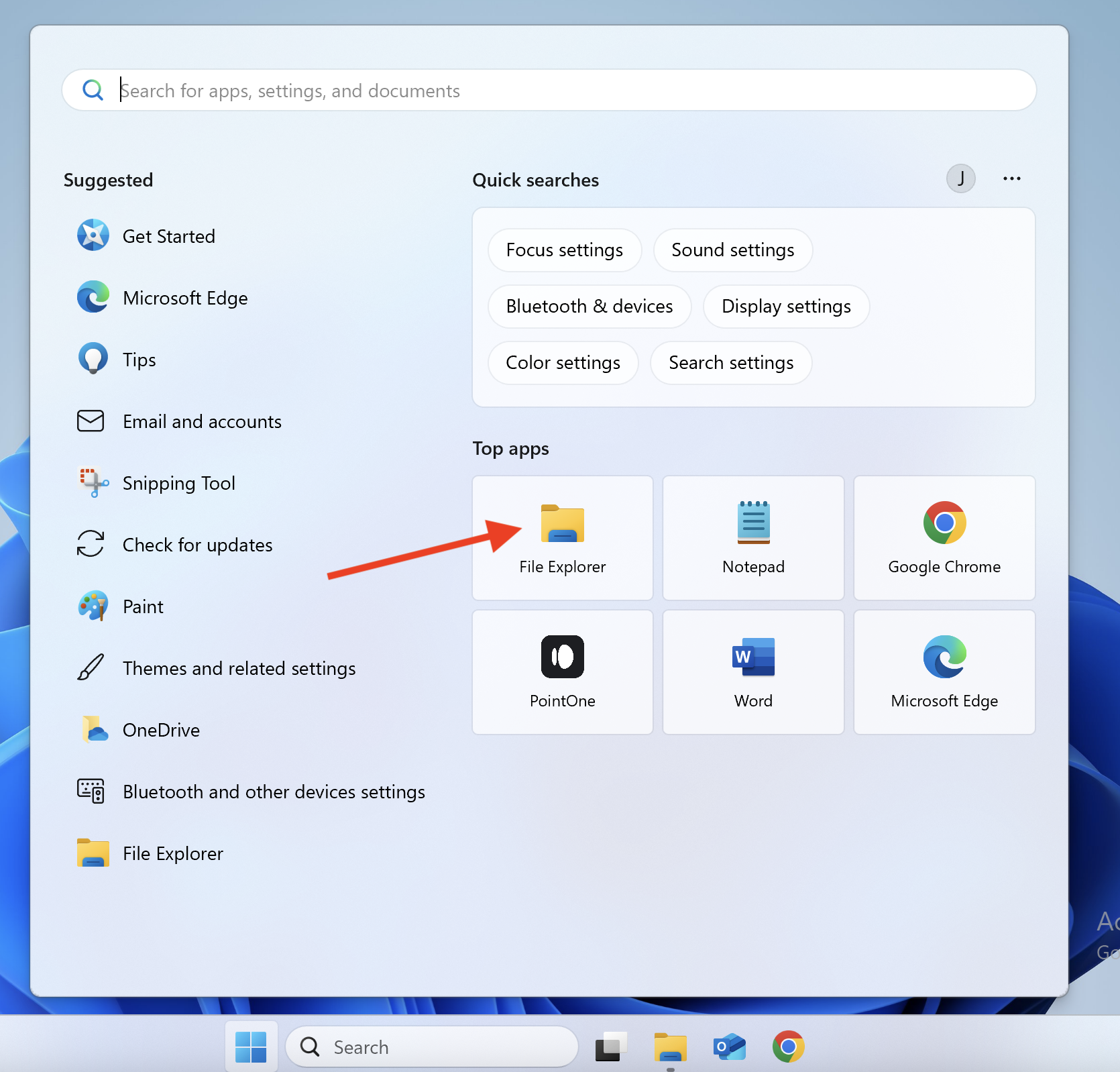
Open 'File Explorer'
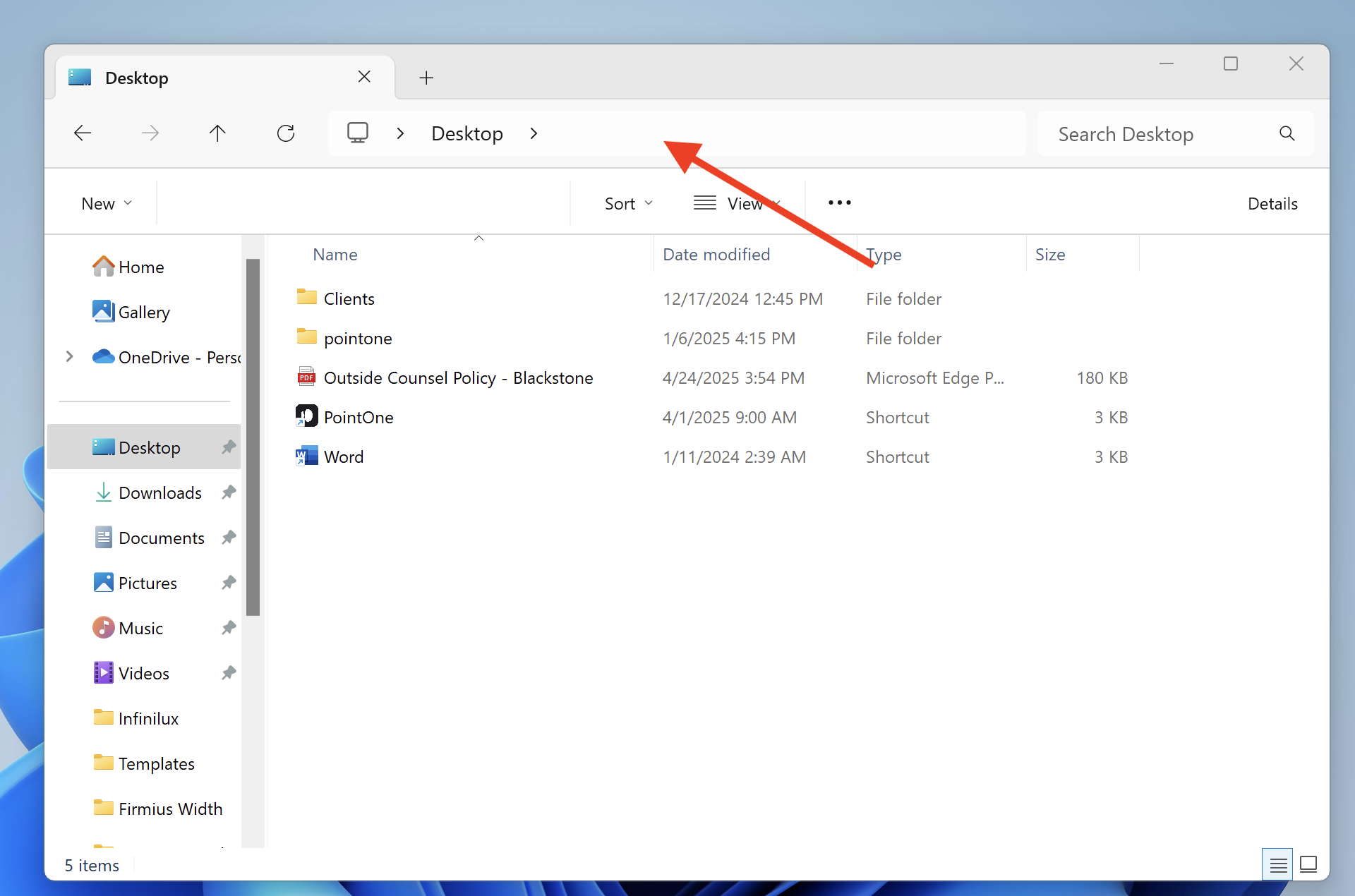
In 'File Explorer,' click on the top bar
Then, type
%LOCALAPPDATA%\pointone-updater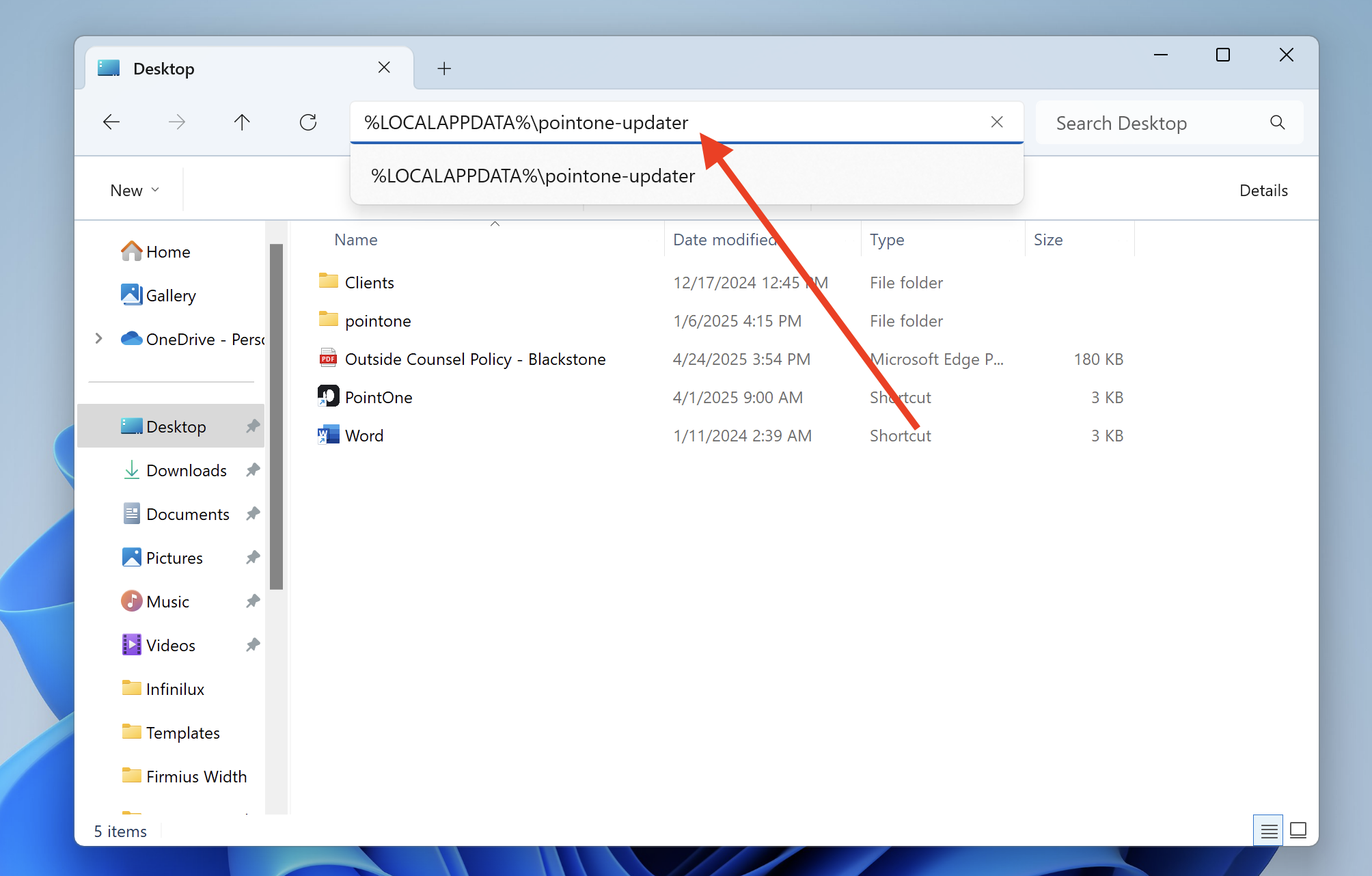
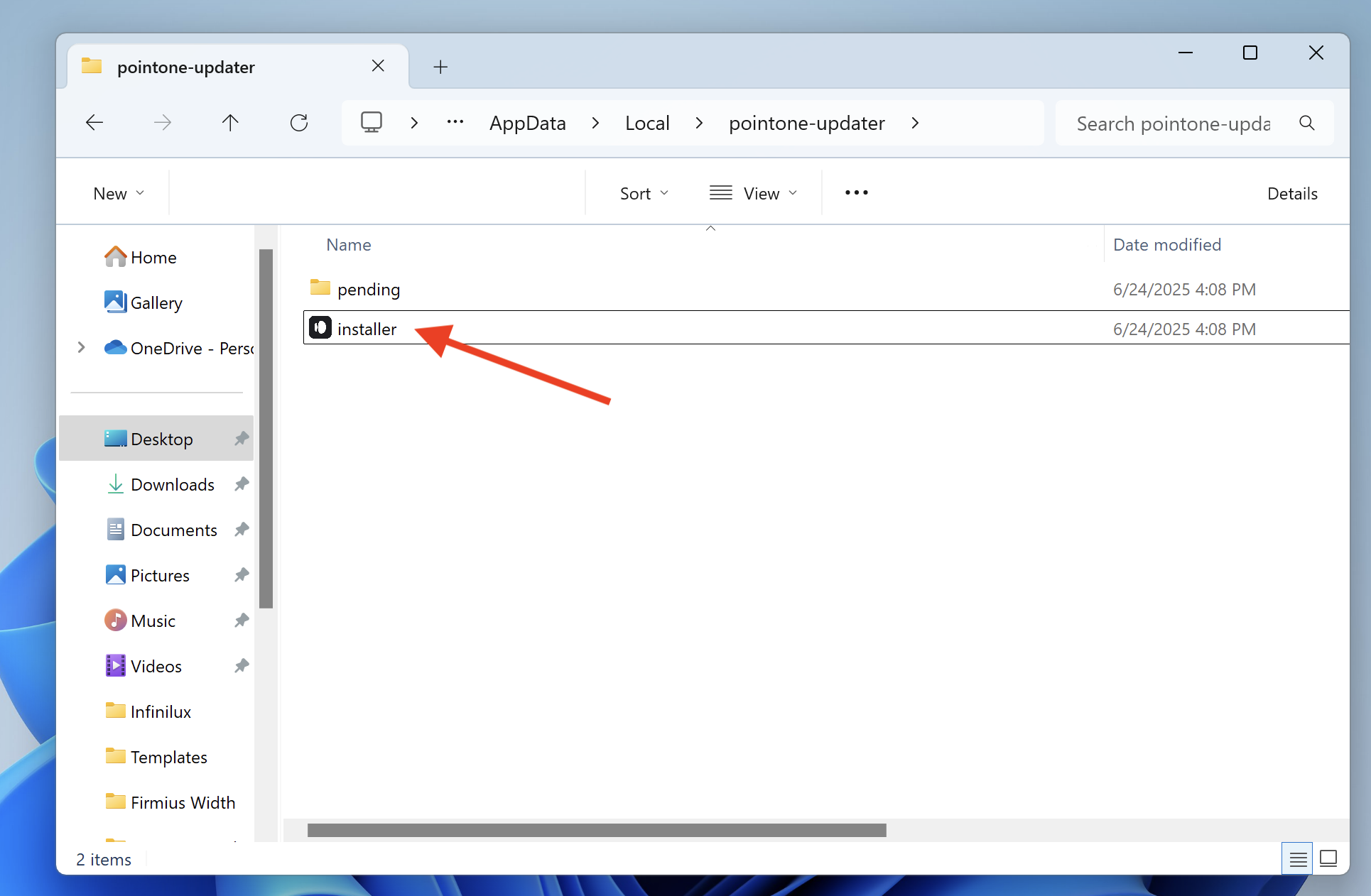
Double-click on 'installer' to refresh the application