How can I limit the set of matters used for classification?
Last updated: November 26, 2025
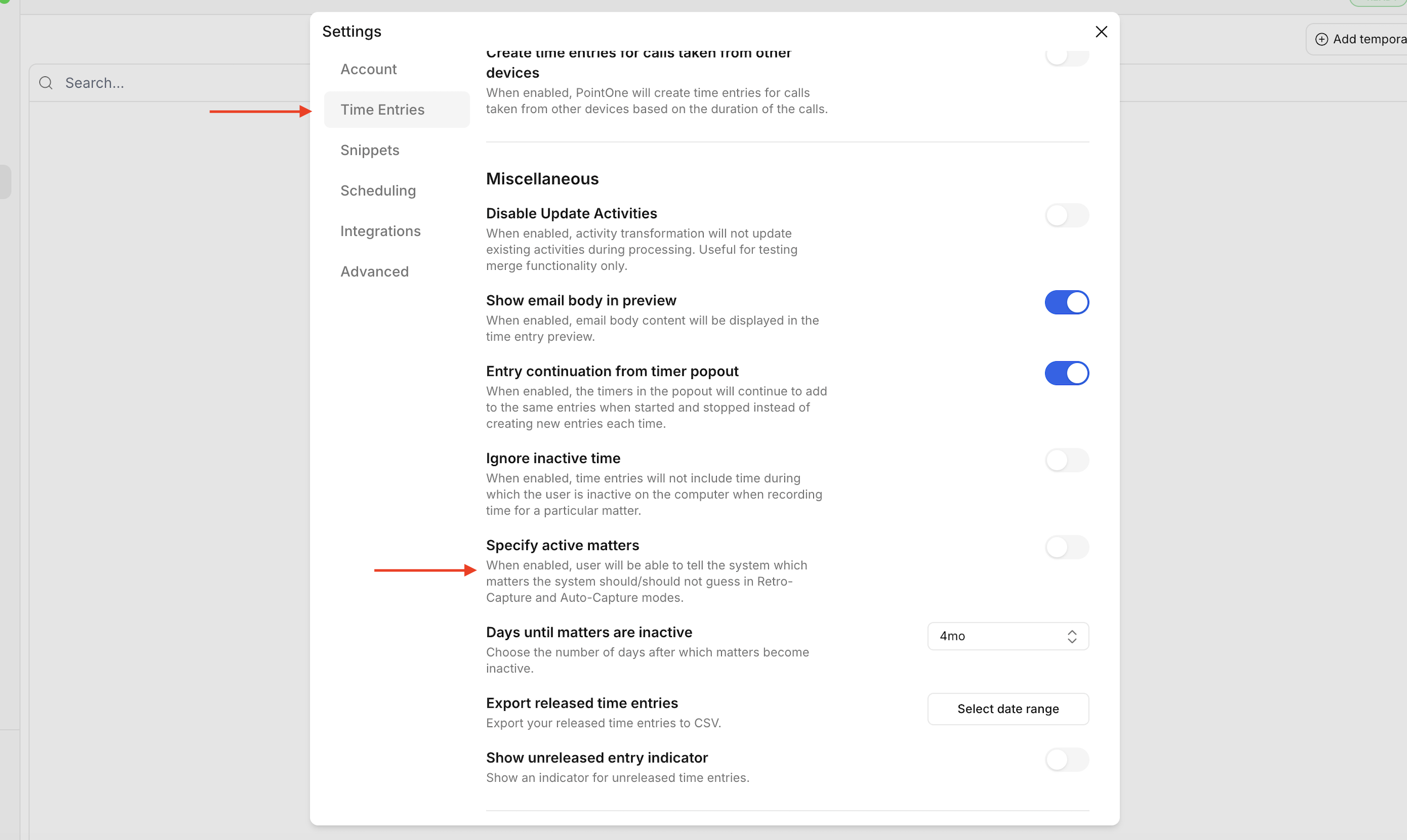
Toggle on "Specify active matters"
Navigate to the settings menu by clicking the gear icon in the bottom-left corner of the desktop application.
You can manually mark matters as inactive or contact the PointOne team to have all the matters marked as inactive ("opt-in" matter activity rather than "opt-out").